Google Business Profile Chat Was Switched Off: What to Change on Your Website and Listing
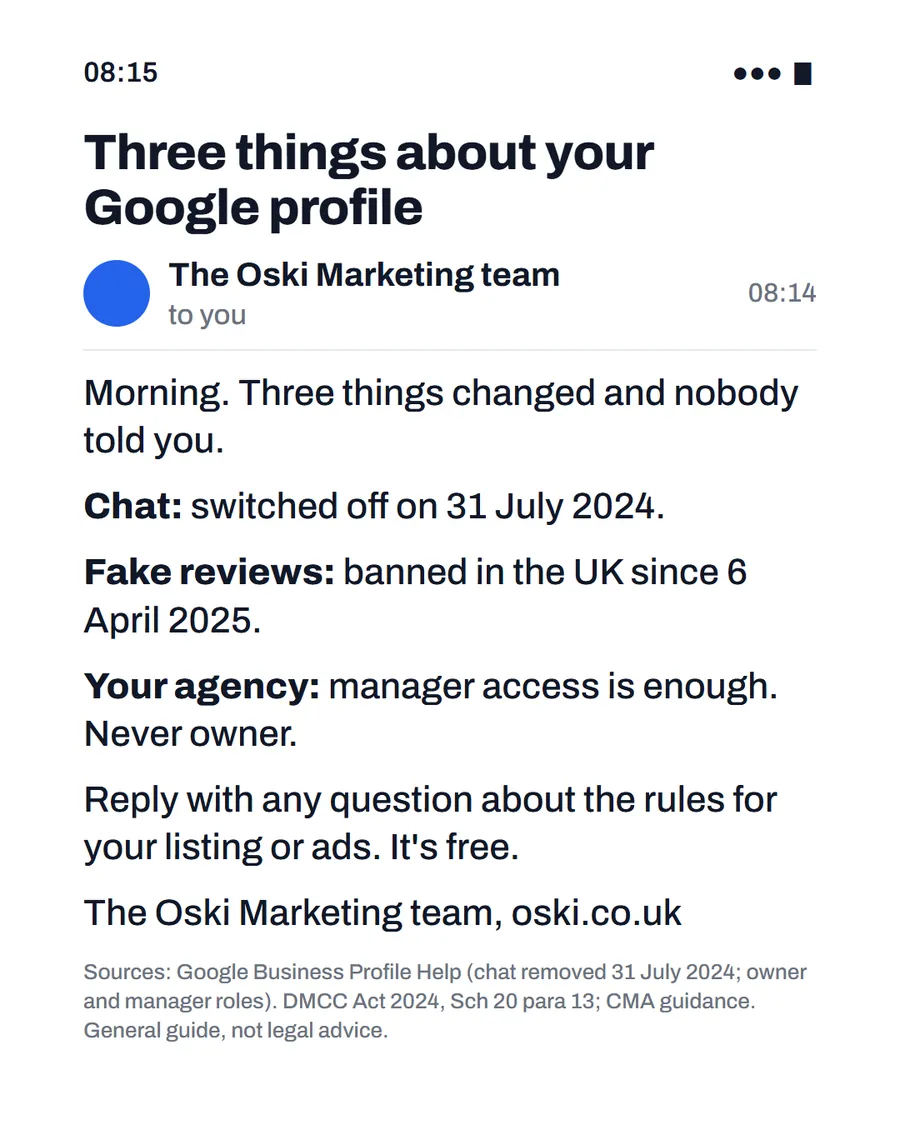
Google switched off Business Profile chat and call history on 31 July 2024. If your website, van, cards or listing still say "message us on Google", customers are being pointed to a button that no longer exists. Replace the wording with a route you actually answer: a tappable phone number, a short form, or WhatsApp or text.
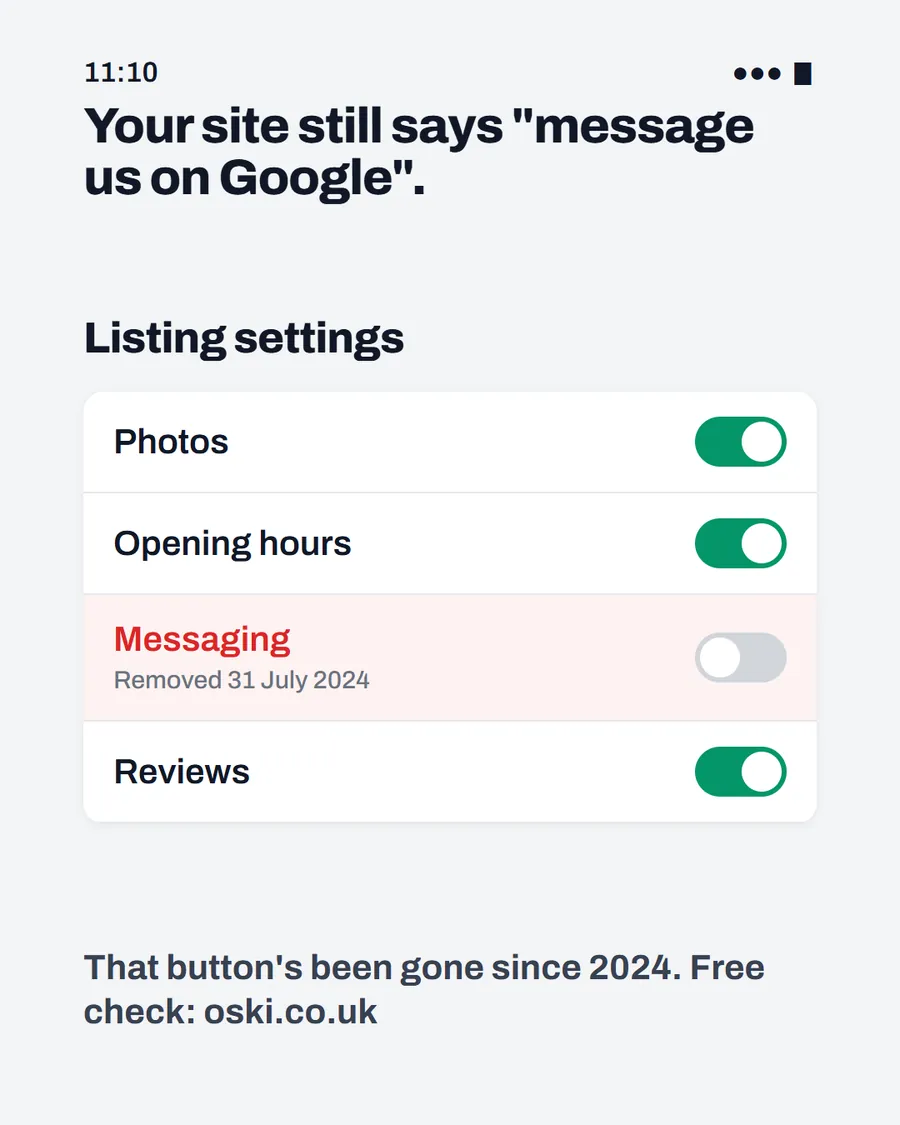
The ad at a glance
| Question | Answer |
|---|---|
| Who it is for | Owners who set up Google chat before 2024 and may never have updated their website, signs or business cards. |
| What it shows | A listing settings screen with photos, opening hours and reviews switched on and messaging switched off, marked "Removed 31 July 2024", under the headline "Your site still says 'message us on Google'." |
| Where it applies | Across the UK, with a focus on London and the South East, where we are based. It is aimed at small local businesses wherever customers search for them. |
| Why we published it | It is a fact many owners missed, and checking for it takes a minute. It shows we know the rules as well as the ads. |
What exactly did Google change?
According to Google's help page on the change, customers with current chat conversations were notified on 15 July 2024, and as of 31 July 2024 the chat and call history features are no longer available in Business Profiles. The page adds that:
- Chat FAQs are no longer supported.
- Customers can no longer request quotes through Business Profile.
- Records of past chats and calls were available to download until 30 August 2024.
- The call button is changing rather than being removed, with numbers updated to use the business's own phone number instead of a Google forwarding number.
The page also lists text messaging and WhatsApp as options for eligible accounts, and Reserve with Google as an option in some regions.
Who is still affected?
Anyone who promoted chat before the change and has not corrected it since. Check these places:
| Where | What to look for |
|---|---|
| Your website | "Chat with us on Google" or a button or image pointing to Google chat |
| Your Google listing description | Wording that mentions messaging |
| Social bios and posts | Calls to action such as "message us on Google" |
| Van lettering and business cards | A Google chat prompt or screenshot |
| Email signatures and quotes | Any line inviting customers to message through your listing |
If you find any, change them now. A customer who tries to message and cannot will assume you are not interested, and they will not tell you.
What should you offer instead?
Choose routes you will genuinely answer, and keep the list short. Three are enough.
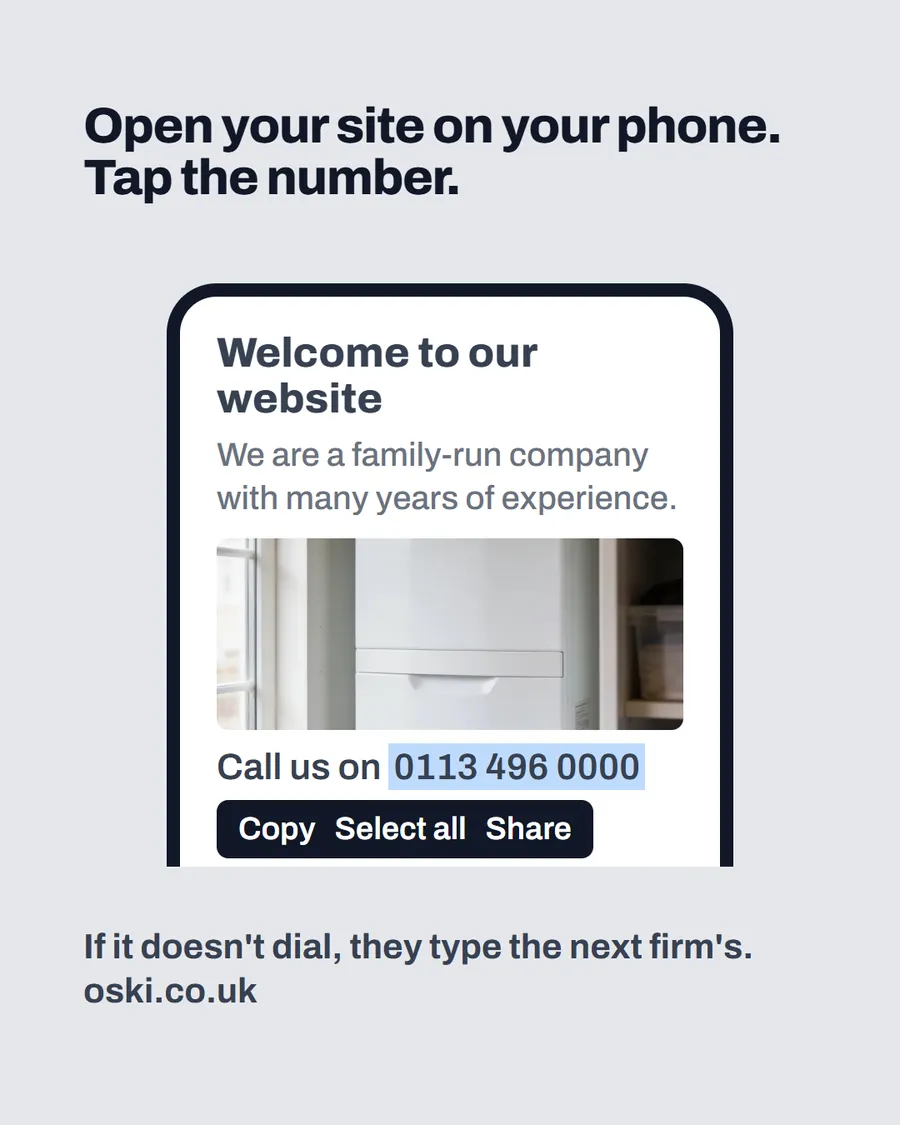
- A phone number that dials with one tap. This is the strongest option for trades. Our guide to tappable phone numbers shows how.
- A short contact form with only the fields you need. See how many fields a contact form should have.
- WhatsApp or text, if you already use them and check them every day.
Whichever you pick, put the same routes on your website, your listing, your social profiles and your cards. Consistency avoids the confusion that chat caused.
What about the call button on your listing?
Google says the call button is being updated to use your own number, and suggests adding a phone number to your profile if one is missing or hidden. Check that the number on your listing is correct and answered. Wrong numbers waste every tap, and Google's performance report counts calls as taps on that button when a number is present, so a correct number also gives you meaningful figures. Our Business Profile checklist covers the rest of the fields.
How do you check what your profile offers now?
Open your Business Profile, go through the settings and note which contact options appear. Because features differ by account and country, look at your own profile rather than assuming. If a messaging option is available to you, only switch it on if you will answer it quickly. A message left for two days looks worse than no option at all.
Then ask someone to try each route and tell you how long you took to answer. That test is part of the 9pm test, and it is the most honest way to find out whether your contact routes work.
Why do small facts like this matter?
Because customers notice details. A website that points to a button that does not exist suggests a business that has not been paying attention, and a customer who gets that impression will wonder what else is out of date. Fixing it costs minutes and removes a small reason for doubt.
It also means you are using the platform as it is now, not as it was. Google changes features regularly, and a yearly review of your listing, like the one we describe in a marketing MOT, keeps you from carrying old instructions forward.
How do you update printed materials?
Printed items are the slowest to fix, so start with the biggest. A van with a chat prompt on it can be corrected with a vinyl panel or a small sticker covering the old wording. Business cards and leaflets can be reprinted when you next order, and until then a rubber stamp or label with your phone number works. Invoice and quote templates are quickest of all: edit the template once and every new document carries the right wording.
Keep a short list of everything you change. A year from now, when something else shifts, you will know where to look.
How do you see which routes bring in work now?
Once chat is gone, work out where enquiries come from. Google's performance report for a verified profile shows calls, directions requests and website clicks, so you can see how many people reach you through the listing itself. Add one question to your first call or form: "How did you hear about us?" and keep a simple tally.
After a couple of months you will know whether the phone, the form or the listing is doing the most work, and you can put your effort into the route that matters.
What to do this week
- Search your website, social bios and printed materials for "message us on Google" or any mention of chat.
- Replace each one with a route you answer: phone, form, WhatsApp or text.
- Check the phone number on your listing and make sure it is correct.
- Ask a friend to test each route and tell you how long you took to reply.
- If you would like a quick check of what your website and listing say, send us your details.
Frequently asked questions
Did Google remove chat from Business Profiles?
Yes. Google's help page says that as of 31 July 2024 the chat and call history features are no longer available in Business Profiles. Customers with current chat conversations were notified on 15 July 2024.
Can customers still message my business through Google?
Not through Business Profile chat. Google's page says customers can no longer start new chats, and lists text messaging and WhatsApp as options for eligible accounts. Check your own profile to see what is available to you.
What happened to the call button?
Google says the call button is changing, not being removed, and that numbers are being updated to use the business's own phone number instead of a Google forwarding number. Add your phone number to the profile if it is missing or hidden.
What should I replace 'message us on Google' with?
A clear alternative you actually monitor: a tappable phone number, a short contact form, WhatsApp or text if you use them. Remove any wording on your website, van or cards that points to a button that no longer exists.