Three Things That Changed on Google Business Profile: Chat, Fake Reviews and Agency Access
Three facts about Google Business Profile that many UK owners miss: chat was switched off on 31 July 2024, fake reviews and reviews that hide an incentive have been banned since 6 April 2025, and an agency only needs manager access, not ownership. Each affects what you put on your website and who you give access to. This is a general guide, not legal advice.
The ad at a glance
| Question | Answer |
|---|---|
| Who it is for | Owners with a Google Business Profile, especially those who work with an agency or freelancer, or who still promote messaging. |
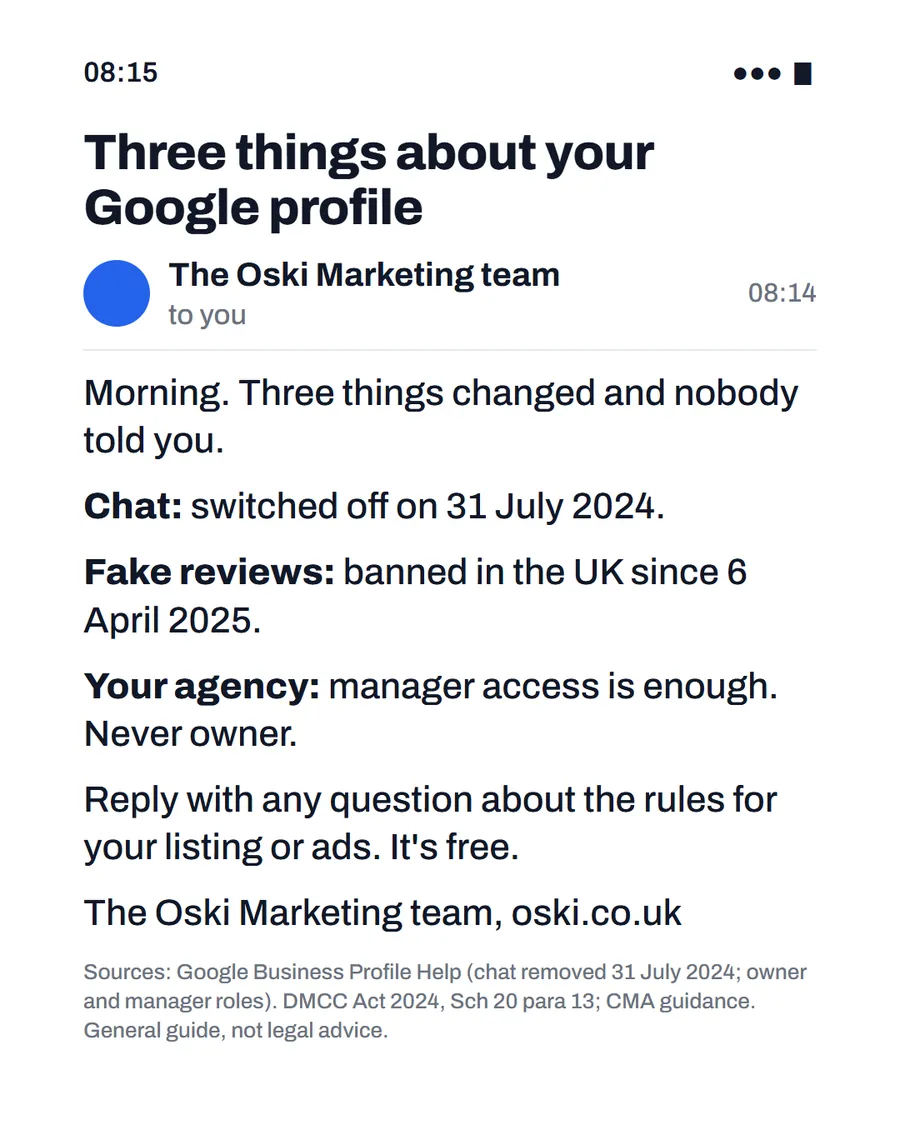
| What it shows | An email from our team headed "Three things about your Google profile", with three lines: chat switched off on 31 July 2024, fake reviews banned in the UK since 6 April 2025, and manager access enough for your agency, never owner, with a small-print source line. |
| Where it applies | Across the UK, with a focus on London and the South East, where we are based. It is aimed at small local businesses wherever customers search for them. |
| Why we published it | Three short, checkable facts show we know the rules, and they give owners something concrete to act on straight away. |
Change one: what happened to chat?
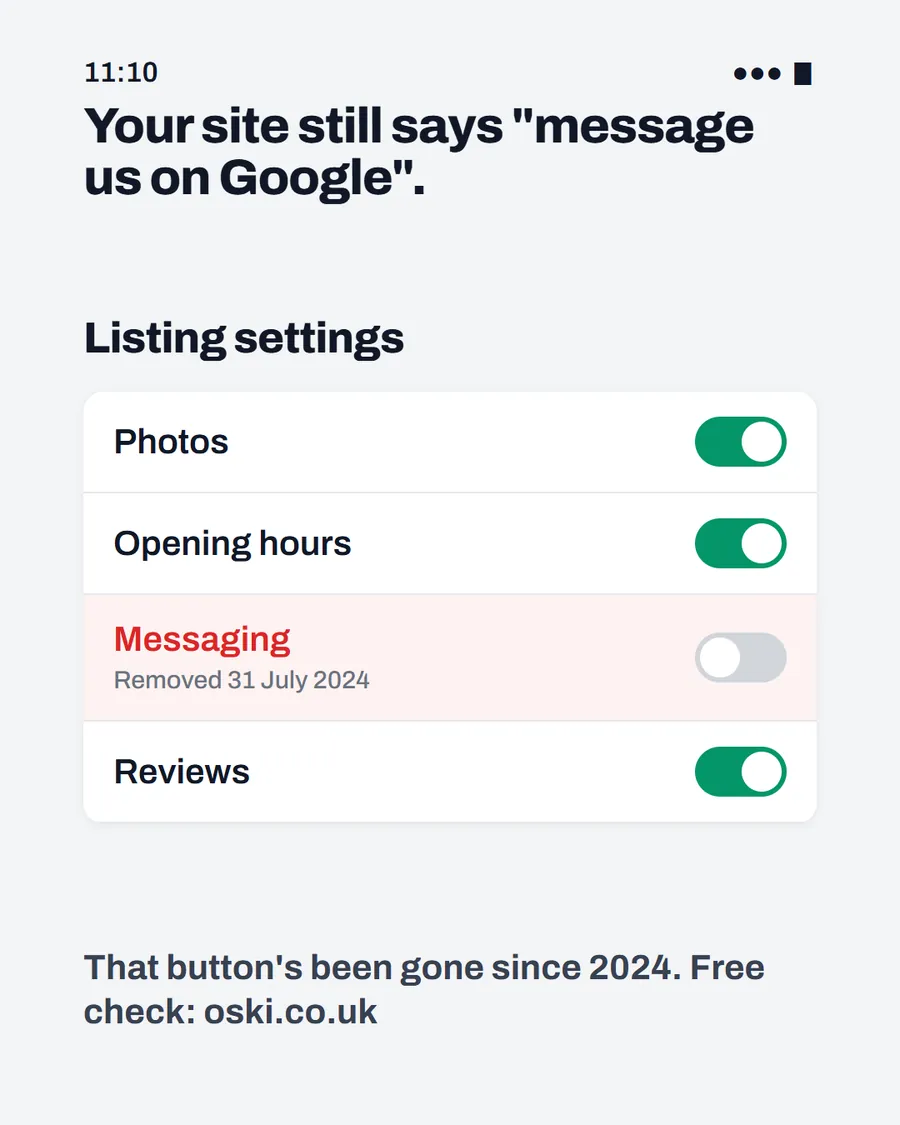
Google's help page on the change says that customers with current chat conversations were notified on 15 July 2024, and that as of 31 July 2024 the chat and call history features are no longer available in Business Profiles. The page also says chat FAQs are no longer supported and customers can no longer request quotes through Business Profile.
What to do: remove any "message us on Google" wording from your website, van, cards and social bios, and offer a route you answer, such as a tappable phone number, a short form or WhatsApp. We explain the steps in Google Business Profile chat was switched off.
Change two: what are the rules on fake reviews?
The CMA's fake reviews guidance explains that submitting, or commissioning, a fake consumer review, or a review that conceals that it was incentivised, is a banned practice, and that the unfair commercial practices provisions apply from 6 April 2025. It also says a review is not fake simply because the trader dislikes it, if it reflects the reviewer's genuine experience.
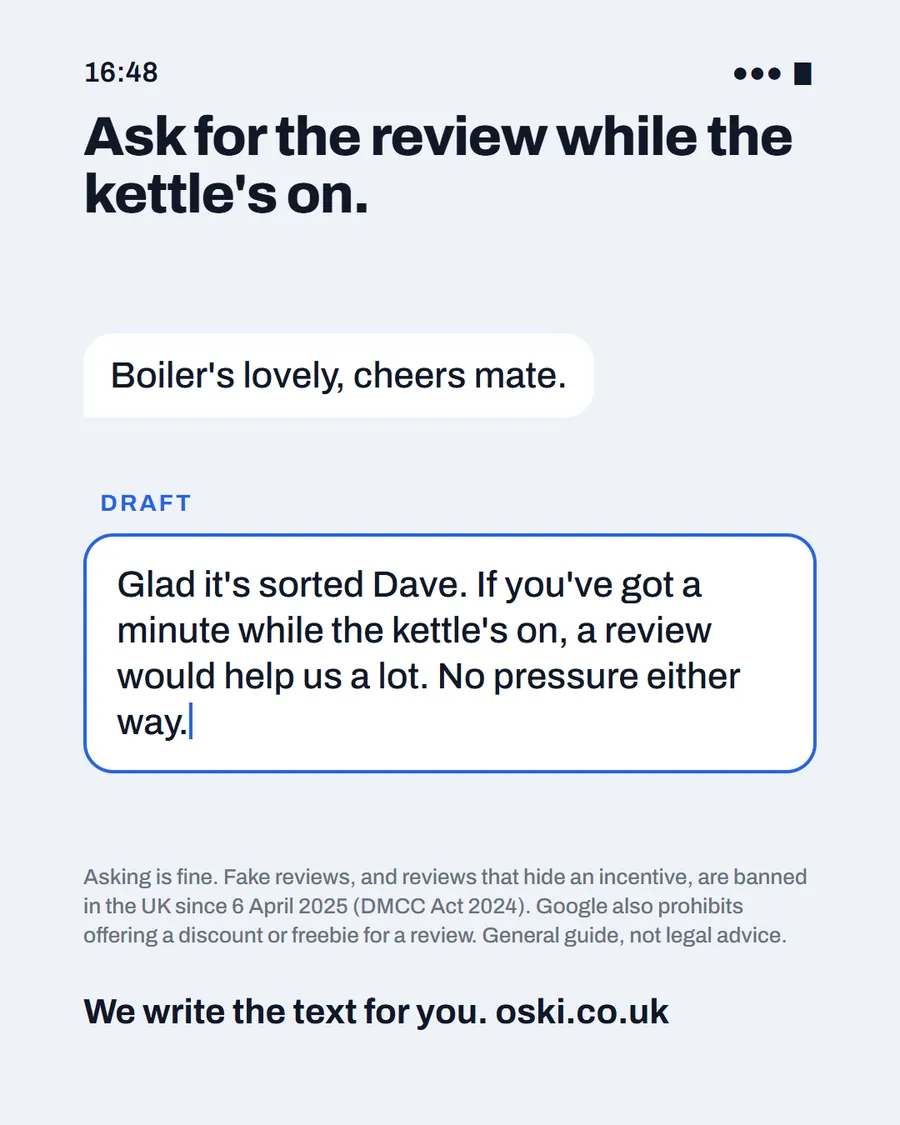
Google has its own, stricter rule for its platform. Its page on getting reviews says you can ask customers to leave a review using a link or QR code, but that offering free or discounted goods or services in exchange for reviews is strictly prohibited.
What to do: ask every satisfied customer, never offer anything in return, never write or buy reviews and reply to all the reviews you get. Our template in how to ask for a Google review shows how.
Change three: what access does an agency need?
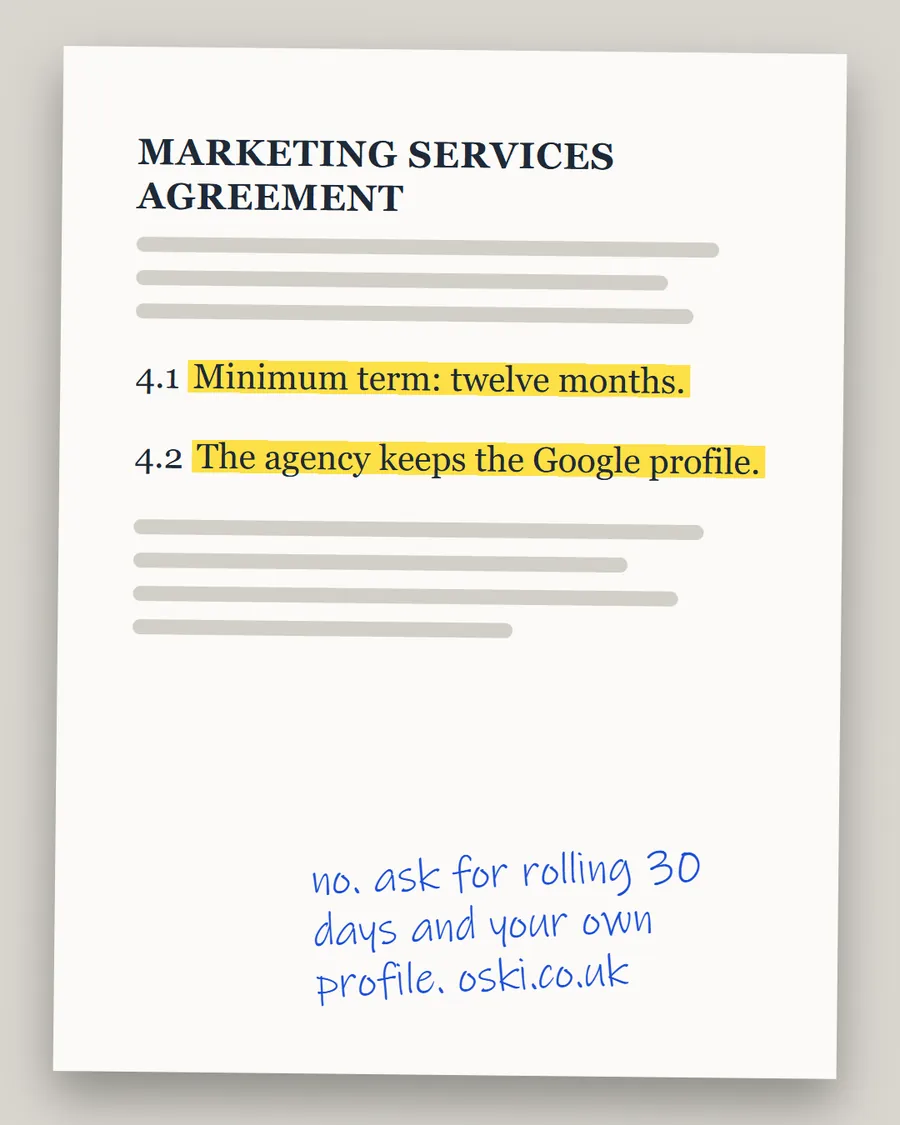
Google's page on owners and managers says a profile can have owners and managers, that managers have nearly the same access as owners and that they cannot add or remove users or remove the profile. So an agency can edit your listing, add photos and reply to reviews as a manager, while you keep control as the owner.
What to do: check who is listed against your profile. Make sure you are an owner, and that anyone who has left or finished work, such as a former agency or web designer, is removed. We cover the contract side in minimum terms and profile ownership.
How do the three compare?
| Change | Date | What it means for you | First action |
|---|---|---|---|
| Chat removed | 31 July 2024 | A button you may still be promoting no longer exists | Replace the wording |
| Fake reviews banned | 6 April 2025 | Reviews must be genuine and incentives disclosed, and Google forbids freebies | Ask honestly, never pay |
| Manager access | Ongoing | An agency does not need to own your profile | Check who has access |
Why do these small facts matter?
Because customers and search engines notice details. A site that points to a removed button looks out of date. A profile with suspicious reviews damages trust and risks penalties. A profile owned by an agency can leave you without your reviews if you part ways. Each is cheap to fix and costly to ignore.
They also show a pattern: platforms and regulators change the rules, and owners who check once a year avoid most of the problems. A yearly review, such as the one in a marketing MOT, keeps you current.
What should you check this week?
Go through each of the three on your own profile. For chat, search your own website and printed materials. For reviews, read your last ten and check that none look suspicious, and that you have replied. For access, open the people list and check it is right. It takes about fifteen minutes.
If anything looks wrong, such as a review you do not recognise, look at Google's help pages on reporting it, rather than trying to fix it by offering something in return.
What should you do if a review looks fake?
Do not reply in anger or offer anything to have it removed, because Google prohibits offering incentives to change or remove reviews. Read it carefully first. The CMA's guidance says a review is not fake just because the business dislikes it, if it reflects the reviewer's genuine experience, so a harsh review from a real customer is not the same as a fake one.
If it does look fake, for example from someone who was never a customer, use the reporting options in Google's help pages, and keep a note of why you believe it is not genuine. Reply politely and factually where it is sensible to do so, as we explain in how to reply to negative reviews.
Who is responsible for the profile when others help you?
You are. Even if an agency or freelancer manages the listing day to day, the business is accountable for what appears on it, including the reviews it collects and the claims it makes. Make sure anyone helping you understands the rules above and agrees not to offer incentives or write reviews. Ask them how they ask for reviews, in writing, and check that it matches what is allowed.
What to do this week
- Search your website, social bios and printed materials for "message us on Google".
- Read your latest reviews and make sure each is genuine and replied to.
- Open your Google Business Profile and check who has owner and manager access.
- Remove anyone who should no longer have access, and make sure you are an owner.
- If you would like us to check these three on your profile, send us your business name and town.
Frequently asked questions
When did Google remove Business Profile chat?
Google's help page says that as of 31 July 2024 the chat and call history features are no longer available in Business Profiles. Customers with current chat conversations had been notified on 15 July 2024.
Are fake reviews illegal in the UK?
Fake reviews, and reviews that conceal an incentive, have been banned since 6 April 2025, under the DMCC Act 2024 and as explained in CMA guidance. Google separately prohibits offering free or discounted goods or services in exchange for reviews.
Does an agency need to own my Google Business Profile?
No. Google says managers have nearly the same access as owners, but cannot add or remove users or remove the profile. An agency needs only manager access, and you should stay the owner.
Where can I check these facts?
Each is covered by an official page, listed under sources: Google's chat page, the CMA's fake reviews guidance and Google's page on owners and managers. Check them for current wording.