Four Google Business Profile Problems That Lose Jobs and How to Fix Them
Four Google Business Profile problems lose tradespeople jobs: photos that are stock images rather than real work, opening hours that say closed when you are open, a newest review that is more than a year old, and a services list that just says "Services". Each takes minutes to fix and none costs anything.
The ad at a glance
| Question | Answer |
|---|---|
| Who it is for | Trade and local service owners who have set up a Google listing and then left it alone. |
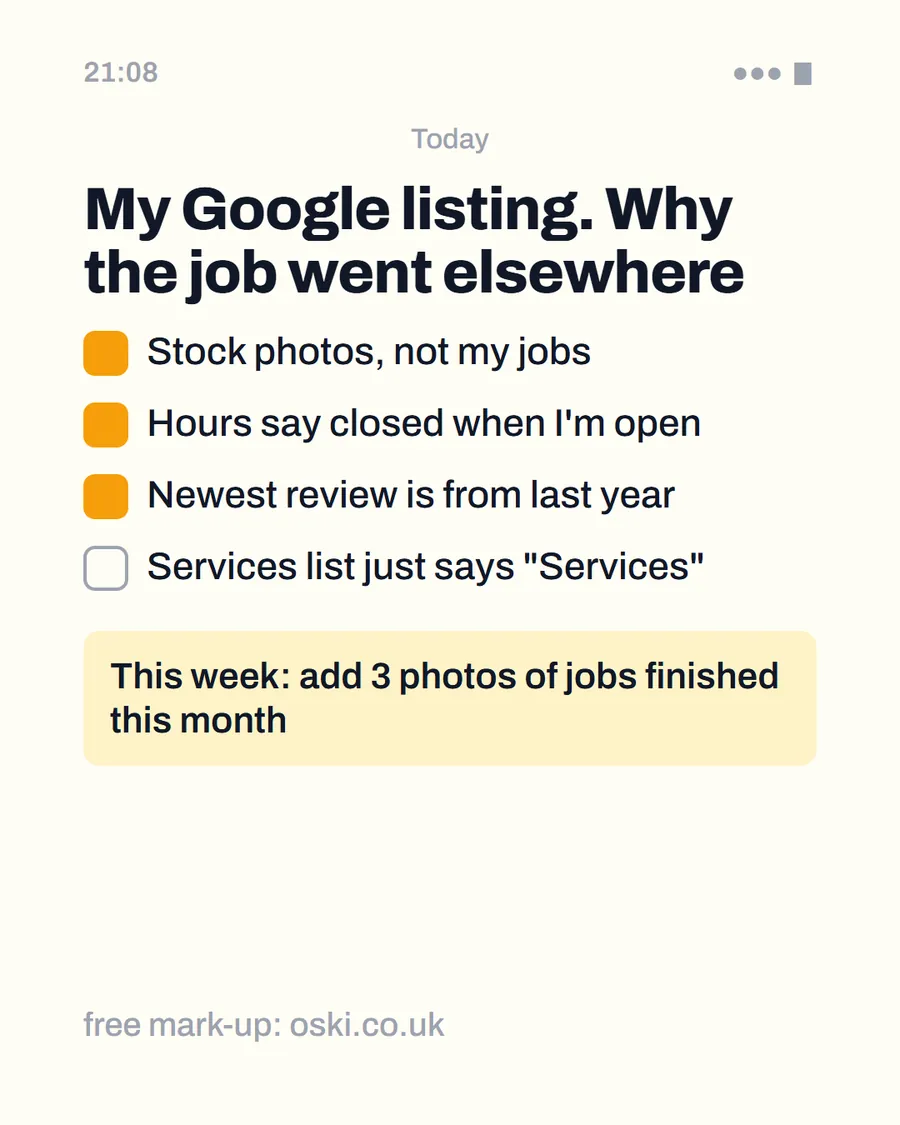
| What it shows | A phone notes page written from the owner's point of view, titled "My Google listing. Why the job went elsewhere", with four ticked problems and a fix for this week. |
| Where it applies | Across the UK, with a focus on London and the South East, where we are based. It is aimed at small local businesses wherever customers search for them. |
| Why we published it | A short list is easy to act on. These four are the ones an owner can check in a minute on their own phone. |
Problem one: are your photos stock or real?
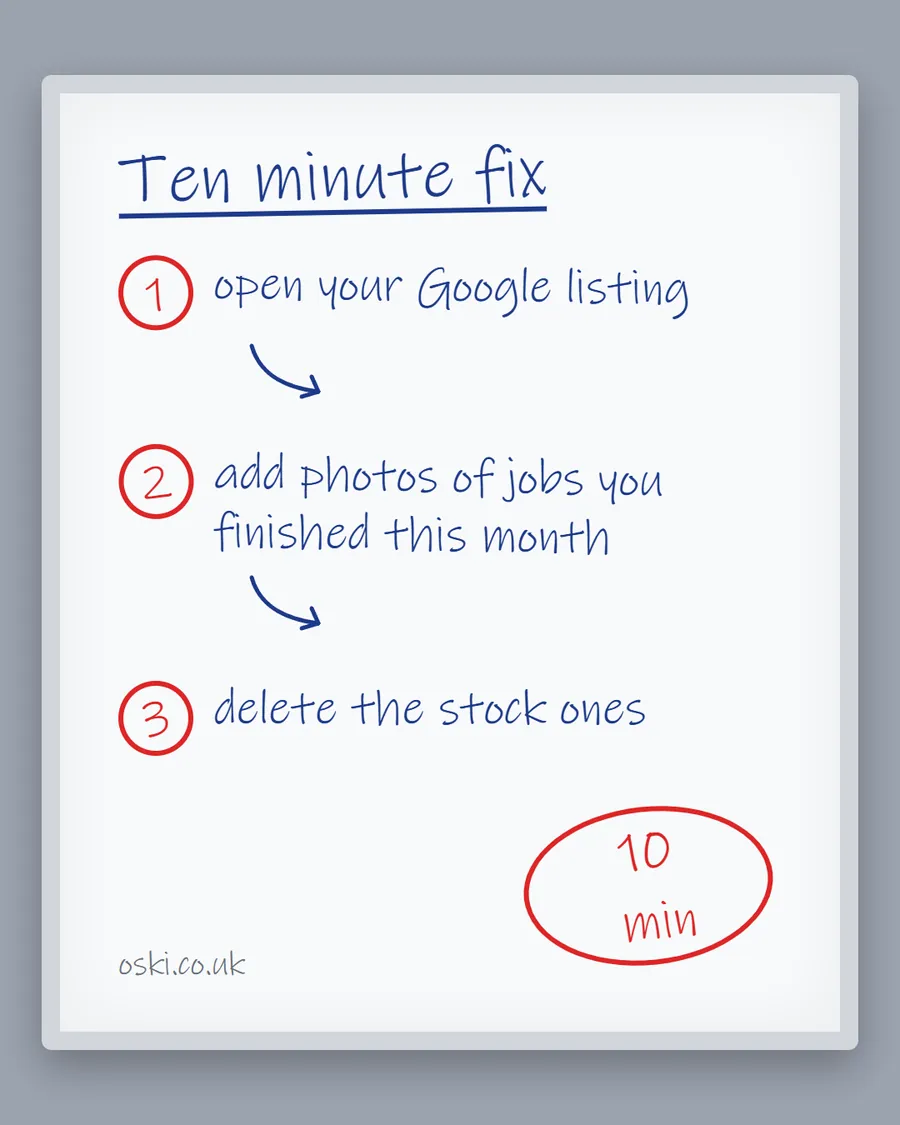
Stock photos on a Business Profile tell the customer nothing about your work. Google's photo guidance asks for photos that are in focus, well lit and not heavily filtered, and says the image should represent reality. A profile full of generic images fails that test.
The fix: add five photos of finished jobs, with the customer's permission and no faces or house numbers. Our guide on using photos of your work shows how to pick them.
Problem two: do your hours say closed when you are open?
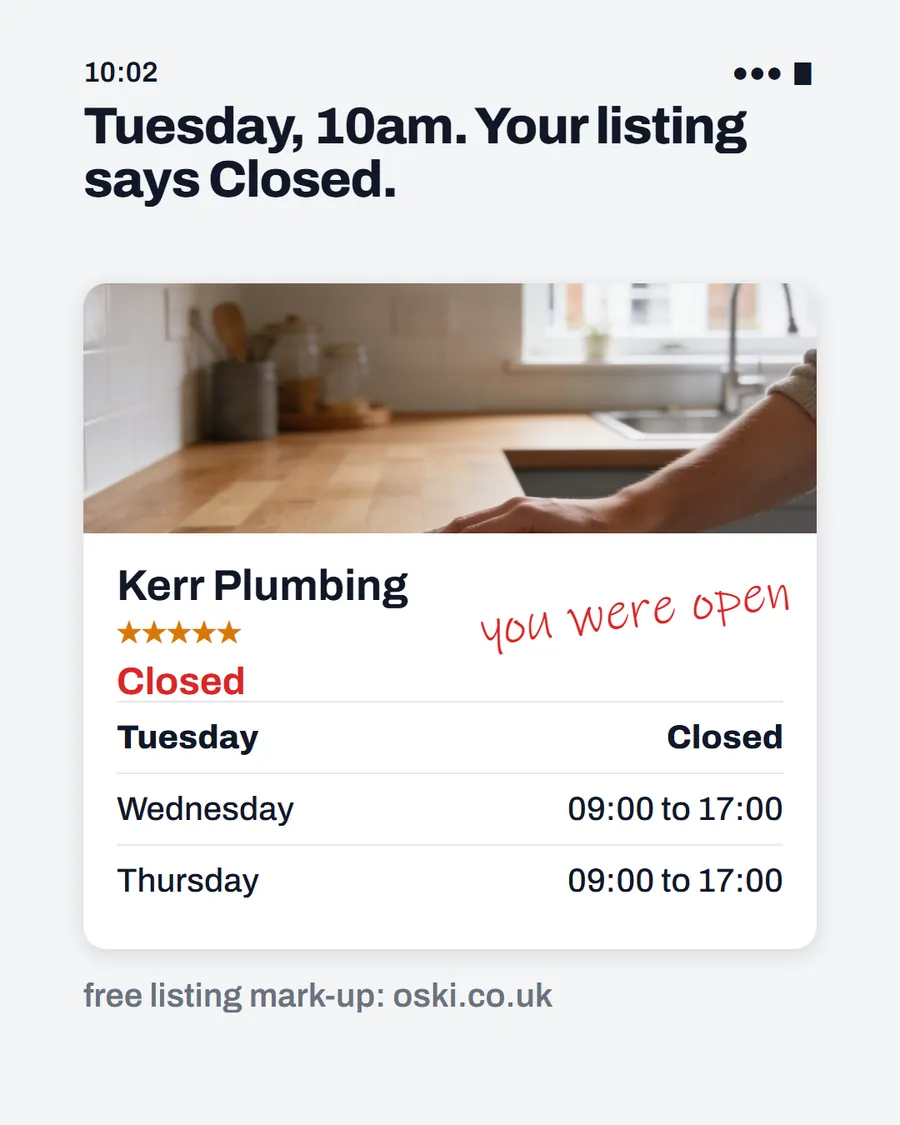
Wrong hours cost calls twice. A customer who sees "closed" taps the next result and never tells you. A customer who rings during the hours you listed and finds nobody answering will not come back. Google's help pages list business hours, including special hours, as part of the complete information that makes a listing more likely to show up.
The fix: check your regular hours today, and set special hours for bank holidays and any short closures. We cover the steps in fixing wrong opening hours on Google.
Problem three: is your newest review old?
A newest review dated last year looks like a firm that has stopped trading. It matters more than the star rating for a customer deciding in seconds. Google also says reviews contribute to how well known a business is, which is one part of local ranking.
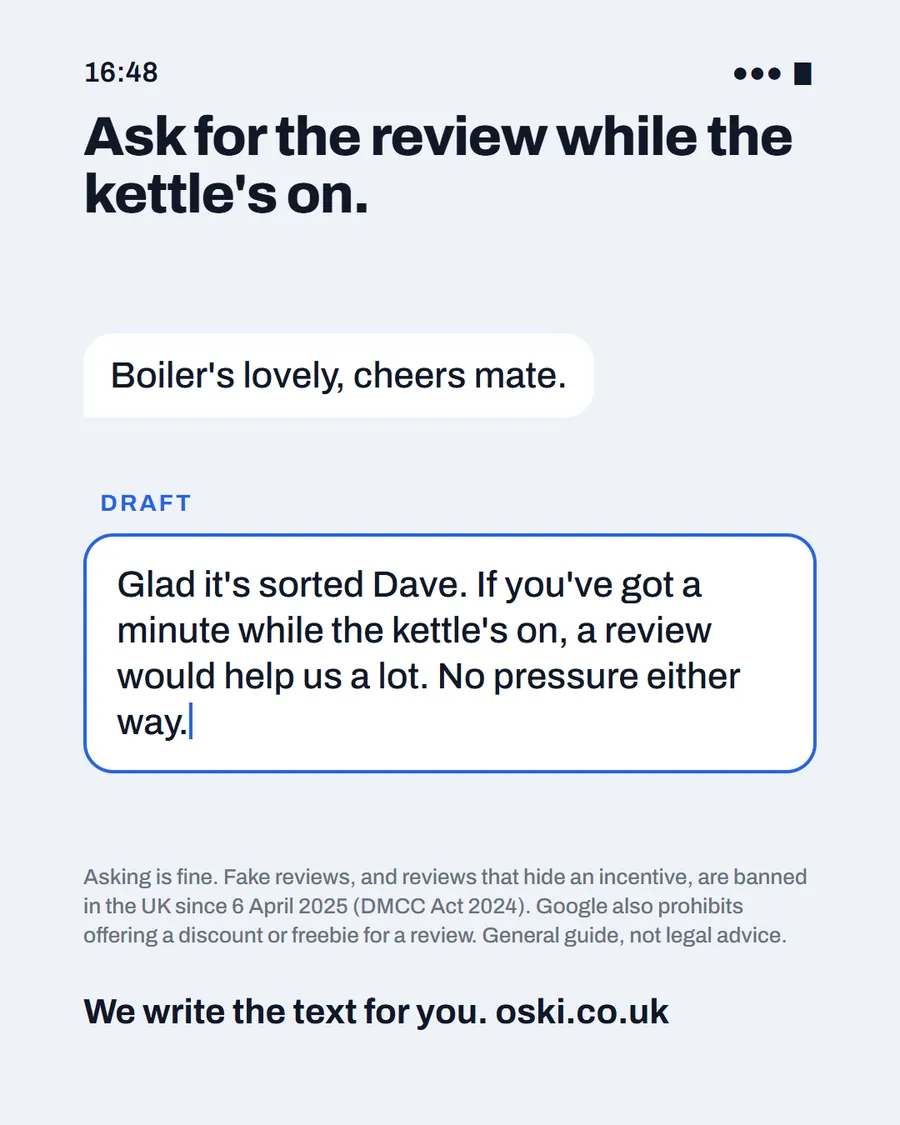
The fix: ask your last five satisfied customers for a review while the job is fresh. Use the link Google lets you share, and do not offer anything in return, because Google prohibits offering free or discounted goods or services for reviews. Our template post, how to ask for a Google review, has a message you can copy.
Problem four: does your services list say "Services"?
A vague services list gives Google and the customer nothing to match. If someone searches "boiler service" and your profile says "Heating", you may be less relevant than a firm that lists the exact job. Google describes relevance as how well a profile matches what someone is searching for, and advises complete and detailed information.
The fix: list each service in the words customers use. "Boiler repair", "Boiler service", "Bathroom fitting", "Radiator replacement". Add a short description under each where the profile allows, and write your business description in plain English.
How do the four problems compare?
| Problem | Time to fix | Cost | Effect on a customer |
|---|---|---|---|
| Stock or no photos | Ten minutes | None | Cannot judge your work |
| Wrong hours | Five minutes | None | Assumes you are closed |
| Old newest review | A few days to collect | None | Doubts you are still working |
| Vague services | Fifteen minutes | None | Cannot tell if you do their job |
Start with whichever gap is largest on your listing. For most firms that is photos.
Who should have access to your profile?
You should always be the owner. If an agency or a freelancer helps, they only need manager access. Google's page on owners and managers says managers have nearly the same access as owners but cannot add or remove users or remove the profile. That gives them enough to edit your listing and leaves you in control. We explain more in who should own your website and Google profile.
What other quick checks are worth doing?
Once the big four are sorted, run through these in a couple of minutes:
- Phone number. Is it correct and answered? Google counts calls as taps on the call button, so a wrong number wastes every one of them.
- Website link. Does it open the right page, and does that page load quickly on a phone?
- Business description. Does it say what you do and where, in plain English, rather than a list of keywords?
- Service area or address. Is it accurate and consistent with your website?
- Categories. Does the main category match the work you actually want, such as plumber or electrician?
Each of these takes a minute and removes a small reason for a customer to look elsewhere.
How do you check your listing each month?
Make it a routine. Pick the same day each month, open the listing on your phone and look at it as a stranger. Read the first screen, scroll through the photos, check the hours and read the newest review. Then look at the performance figures Google provides for verified profiles, such as calls, directions requests and website clicks, and note whether they are rising or falling.
Write one line in a notebook: what you changed and what you noticed. After three months you will have a record of what helped, and you will spot problems, such as a sudden drop in calls, before they cost you a busy week.
What to do this week
- Open your listing on your phone, as a customer would.
- Tick off the four problems. Which ones apply?
- Fix the photos and hours first, since they are quickest.
- Rewrite your services list in the words customers search for.
- Ask three recent customers for a review. If you want us to look at the whole listing, send us your business name and town.
Frequently asked questions
What is the most common Google Business Profile mistake?
Incomplete or out-of-date information, such as missing photos, wrong hours and a thin services list. Google says businesses with complete and accurate information are more likely to show up in local search results, so gaps cost you both visibility and trust.
How often should I update my Google Business Profile?
Check it monthly and update it after every change in hours, services or area. Add new photos after finished jobs. A ten-minute check once a month is enough for most small firms.
Can an agency edit my Google Business Profile?
Yes, with manager access. Google lets a profile have owners and managers, and managers can edit the profile but cannot add or remove users or remove the profile. You should always stay the owner.
Do I need a website to have a Google Business Profile?
No, but a website gives customers somewhere to check your work and gives you more control. A profile without one often looks less complete than one that links to a clear page.