Why Customers Pick the Tradesperson Whose Website Shows Photos and a Price
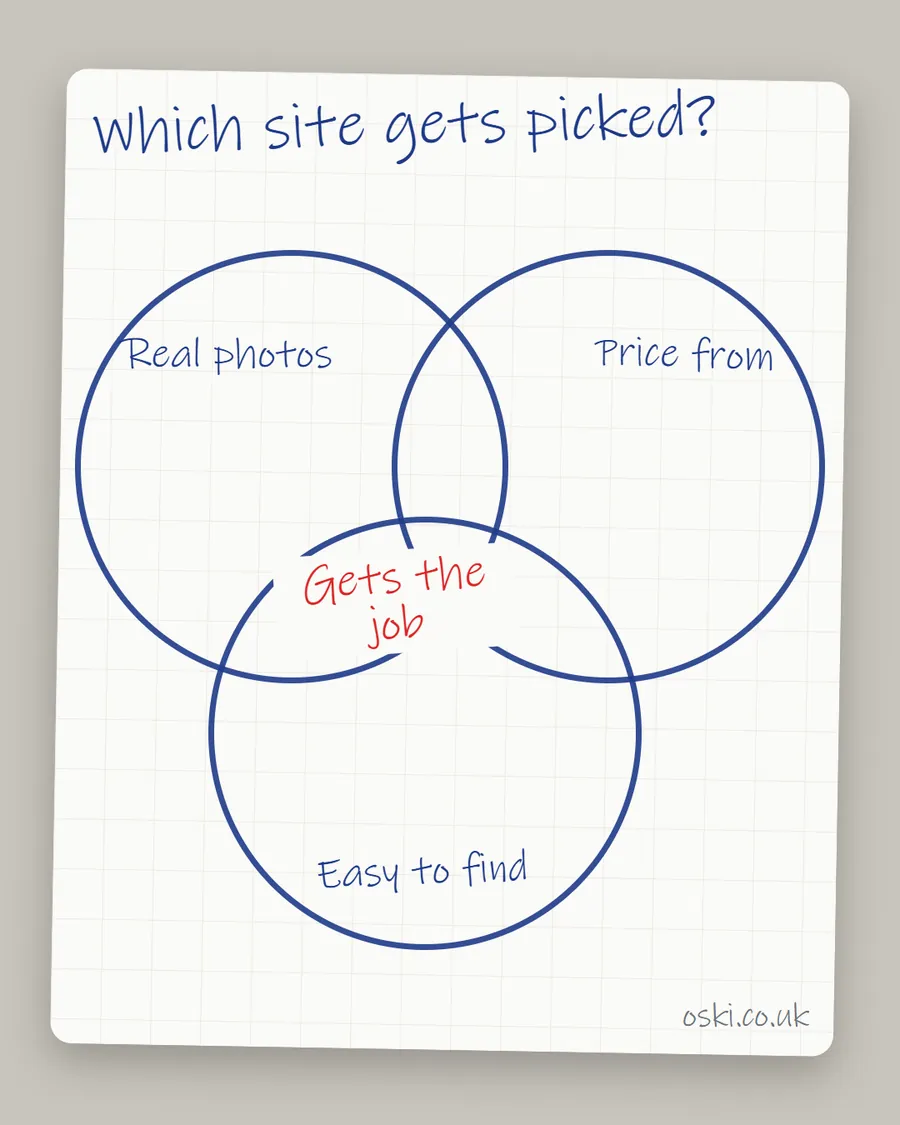
Customers pick the tradesperson whose website shows real photos and a starting price because those two things answer the questions a stranger cannot ask: can they do the work, and roughly what will it cost? A site with neither forces the customer to take a risk, and a rival without that gap is easier to choose.
The ad at a glance
| Question | Answer |
|---|---|
| Who it is for | Trade and home-service owners who rely on word of mouth and want to know what happens after a recommendation. |
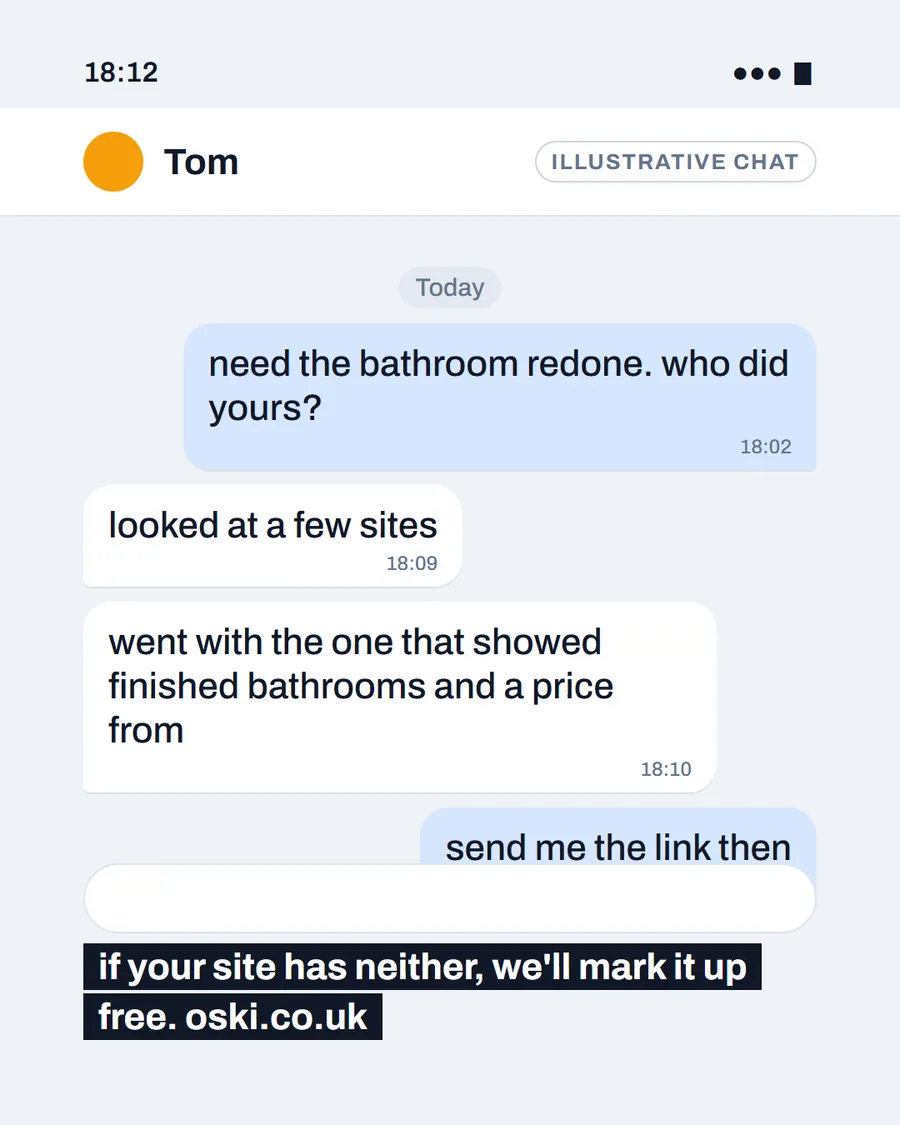
| What it shows | A phone chat in which a customer asks who did a friend's bathroom and is told it was the firm whose site showed finished bathrooms and a price from. The people in the chat are illustrative. |
| Where it applies | Across the UK, with a focus on London and the South East, where we are based. It is aimed at small local businesses wherever customers search for them. |
| Why we published it | It shows the moment where a recommendation meets your website, which is where many jobs are won or lost. |
What happens after someone recommends you?
The recommendation is only the start. The person who hears your name will usually look you up before they ring. They search the name, open the website and the Google listing, and compare you with one or two others they have been given or found. Our post on how customers compare two tradespeople's websites covers that comparison step by step.
This is why a good reputation is not enough on its own. A strong word-of-mouth firm with an empty website can lose to a less experienced one with a clear page. The recommendation opens the door and the site decides whether the customer walks through.
Why do photos matter so much?
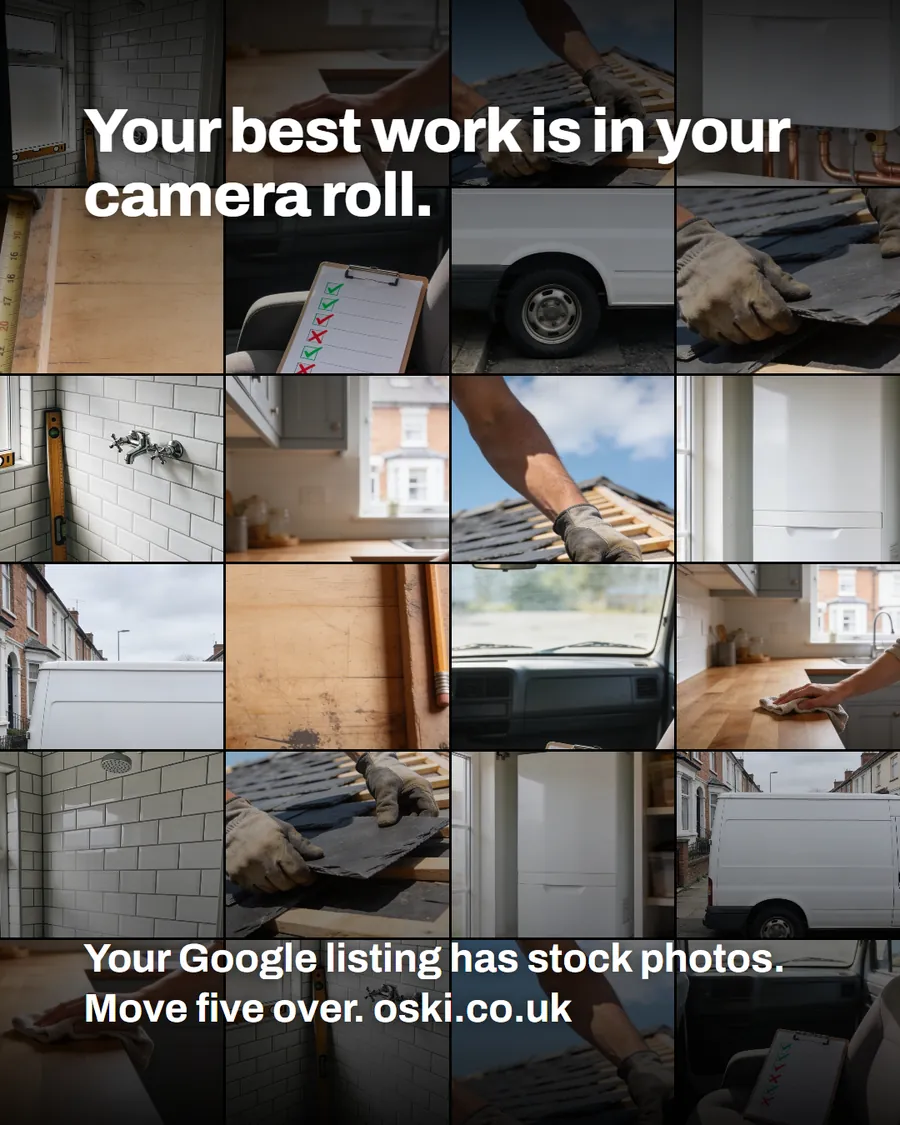
Photos are evidence. They show what finished work looks like, whether the site was left tidy and whether the firm looks like one the customer would let into their home. Google's guidance on Business Profile photos asks for photos that are in focus and well lit, and says images should represent reality. The same standard applies to your website.
Photos also reduce the number of questions a customer has to ask. Without them, they have to ring, describe their job and take your word for it. With them, they can see the answer.
Why does a price help, even a rough one?
A price tells the customer whether you are in the right range and removes a fear. People worry about being quoted something unexpected, and a starting price calms that worry before they have rung. It also acts as a filter. A customer who cannot afford your work will not ring, which saves you a wasted visit.
You do not have to quote everything. Choose the job you do most and give a starting price:
| What you do | How to show a price |
|---|---|
| Fixed-price work | "Boiler service from the price shown, including VAT where it applies" |
| Variable work | "Call-out fee, then a fixed quote before we start" |
| Larger projects | "Free survey, written quote within a few days" |
| Day-rate work | "Day rate shown, materials extra" |
How do you show a price without misleading anyone?
Be accurate and specific. The ASA's advice on prices says "from" claims must not exaggerate the availability or amount of benefits likely to be obtained by the consumer, that price statements must relate to the product featured, and that quoted prices should include non-optional taxes and charges. In plain terms: if you say "from", make sure a fair share of your work really is available at that price, say what it covers and include anything the customer cannot avoid paying.
This is a general guide, not legal advice. If you are unsure about a particular claim, check the ASA's current guidance or use its advice service, which we explain in our post on ASA Copy Advice.
What does a winning page look like in practice?
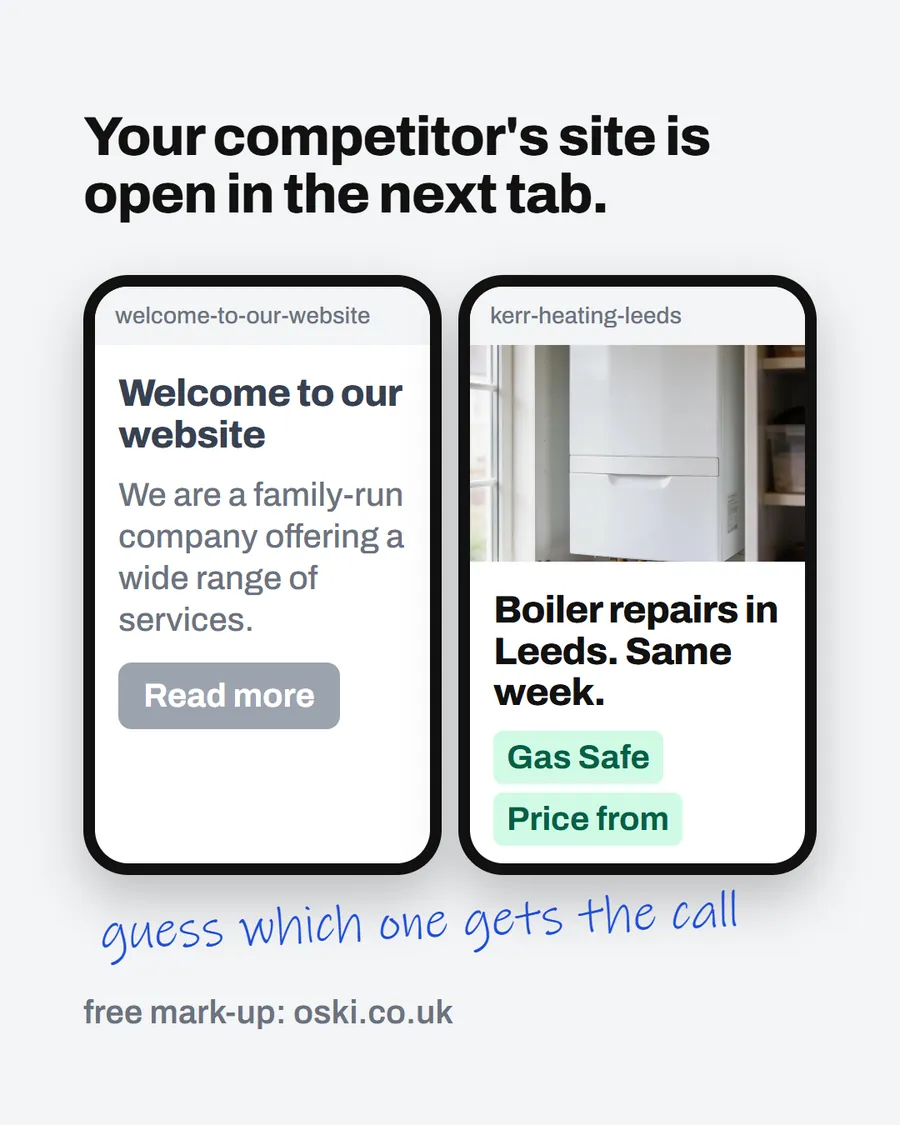
Take two example electricians in the same town. One site has a "Welcome" headline, a stock photo and a contact form. The other says "Electricians in Harrogate", shows two finished fuse board jobs and states a call-out fee. A customer who has been recommended both will spend ten seconds on each and choose the second. Nothing about the first firm's skill is different. The page just gave the customer less to worry about.
What if you are new and have no photos yet?
Start with the first job you finish and build from there. A single clear photo of a completed job, with a short caption, does more than a page of promises. Ask early customers if you can photograph the result, and keep the first few simple: one shower room, one boiler, one fence.
In the meantime, show what you do have. A tidy van, your tools laid out neatly, your registration number and a short, honest description of how you work all help. Say plainly that you are building up your portfolio. A new firm that is open about it often looks more trustworthy than one that fills the page with images that are obviously not its own. Our guide to stock photos on a trades website explains why.
How do you keep a price honest over time?
Prices on a website go stale. Materials change, you raise your rates, and a "from" price that was true last year may now mislead. Put a reminder in your diary to check every price on the site twice a year, and update the date if the page shows one.
Also check what the price includes. If a customer will have to pay a call-out fee, materials or VAT on top, say so next to the price rather than in small print further down. Plain wording protects you as well as the customer, because it means fewer arguments at the end of the job and fewer surprised customers writing a bad review.
What to do this week
- Add three photos of finished jobs to your homepage, with a short caption each.
- Choose your most common job and write a starting price or a clear explanation of how you quote.
- Check that any "from" price covers a fair share of your jobs and says what is included.
- Open the page on your phone and check the photos and price are visible without scrolling far.
- If you want help deciding what to show, send us your web address and we will mark it up.
Frequently asked questions
Should a tradesperson put prices on their website?
If you can give a fixed price or a clear starting price, it usually helps customers decide to contact you. If every job is different, explain how you price: a free survey, a fixed call-out fee or a day rate. Any price you show must be accurate and not mislead.
What if my prices change from job to job?
Show a starting price for your most common job and explain what changes it. Customers do not expect a fixed price for everything, but they do want to know roughly what they are walking into.
Can I use 'from' prices in advertising?
Yes, but the ASA's rules say a 'from' claim must not exaggerate how much of your work is available at that price. If the lowest price only applies to a small share of jobs, say so. Check the current ASA guidance before publishing.
How many photos does a tradesperson's website need?
A handful of real, recent photos on the homepage and one or two on each service page is enough. They need to be of finished work and in focus. A few good photos beat a large gallery of mixed quality.